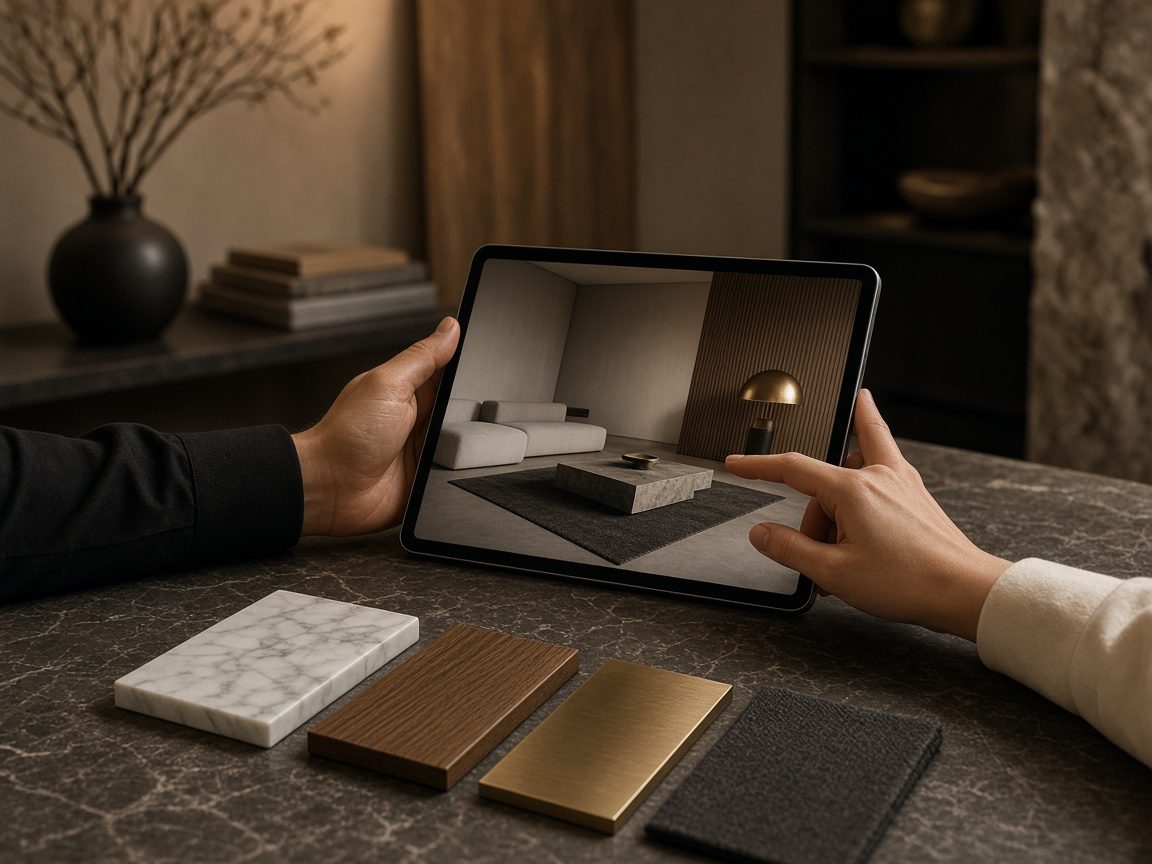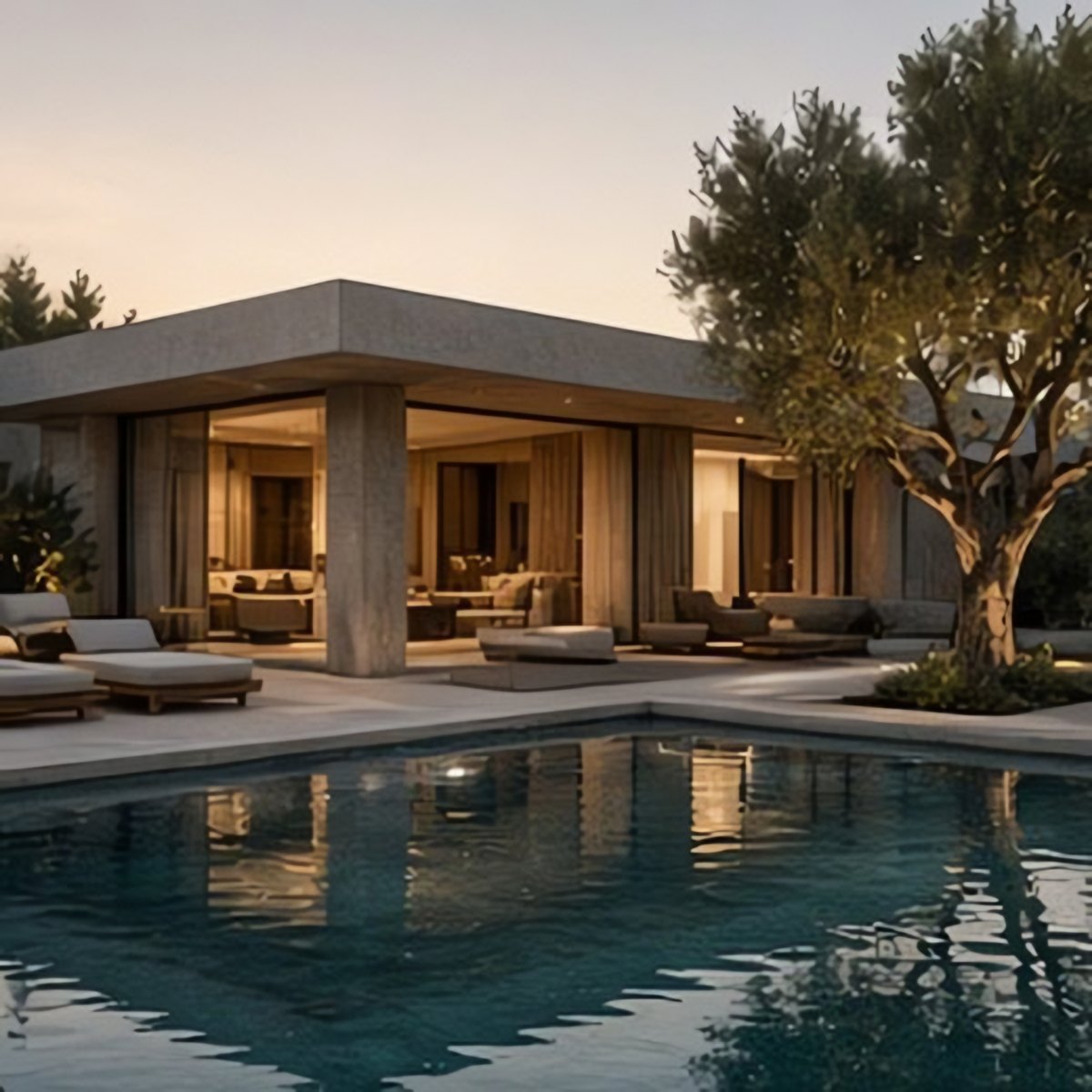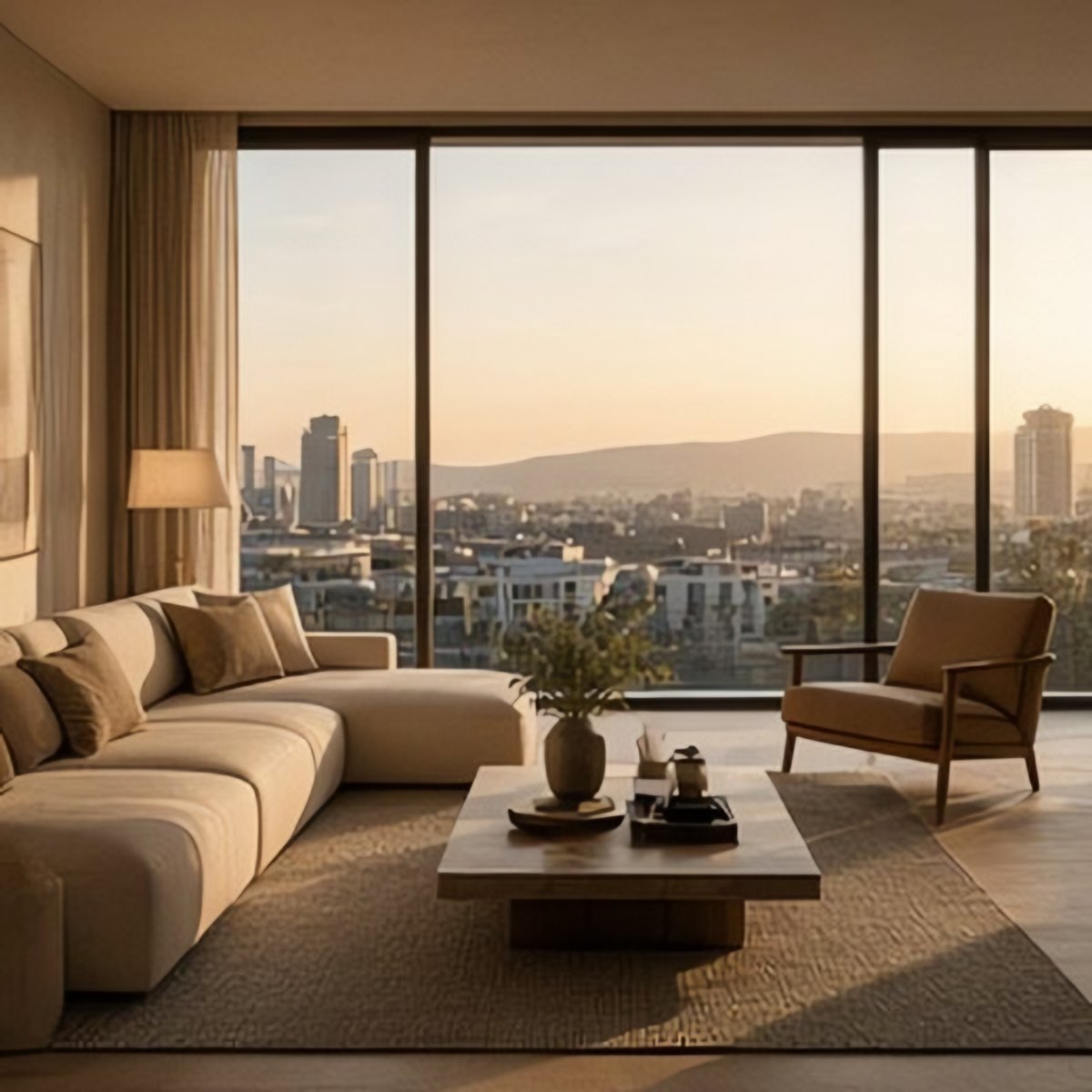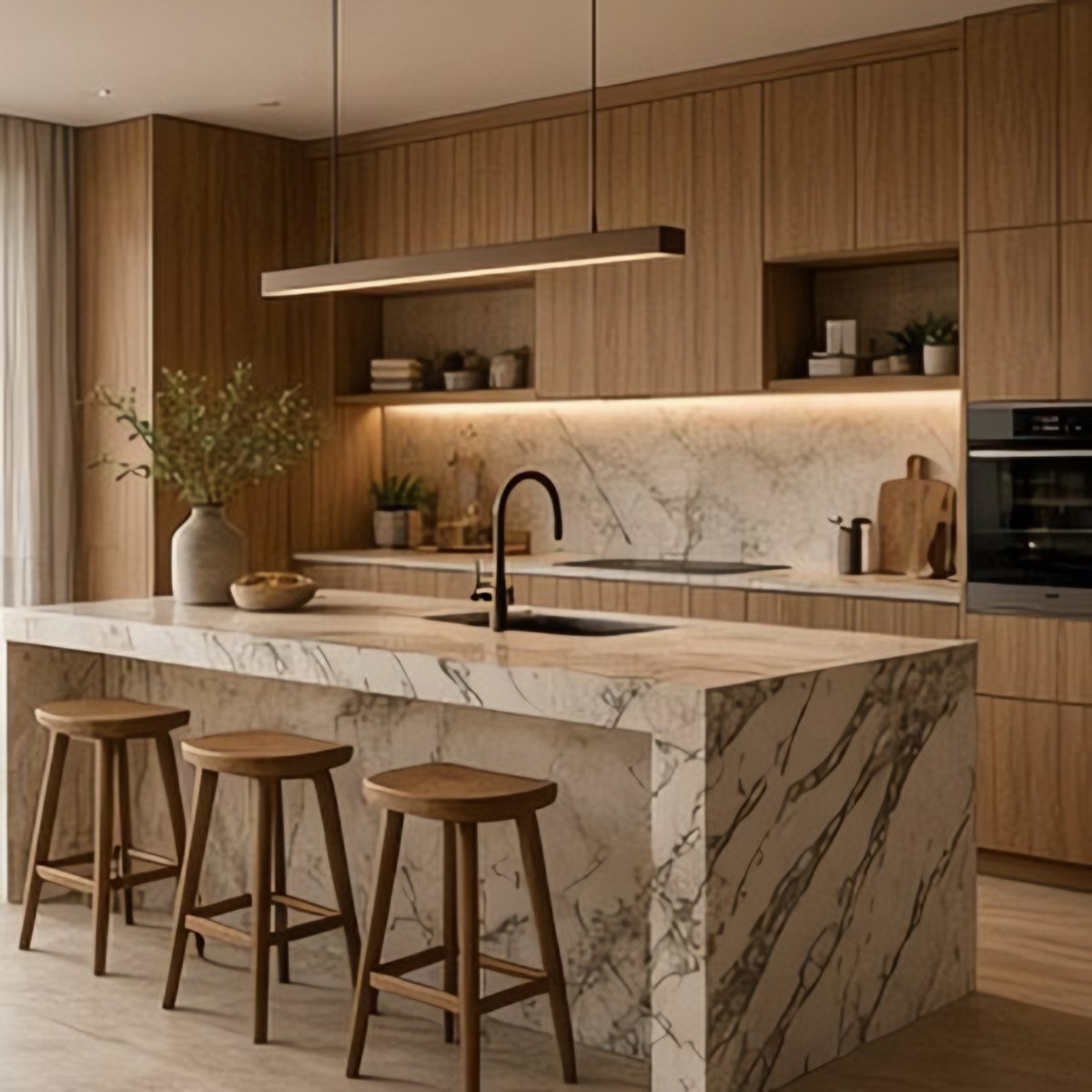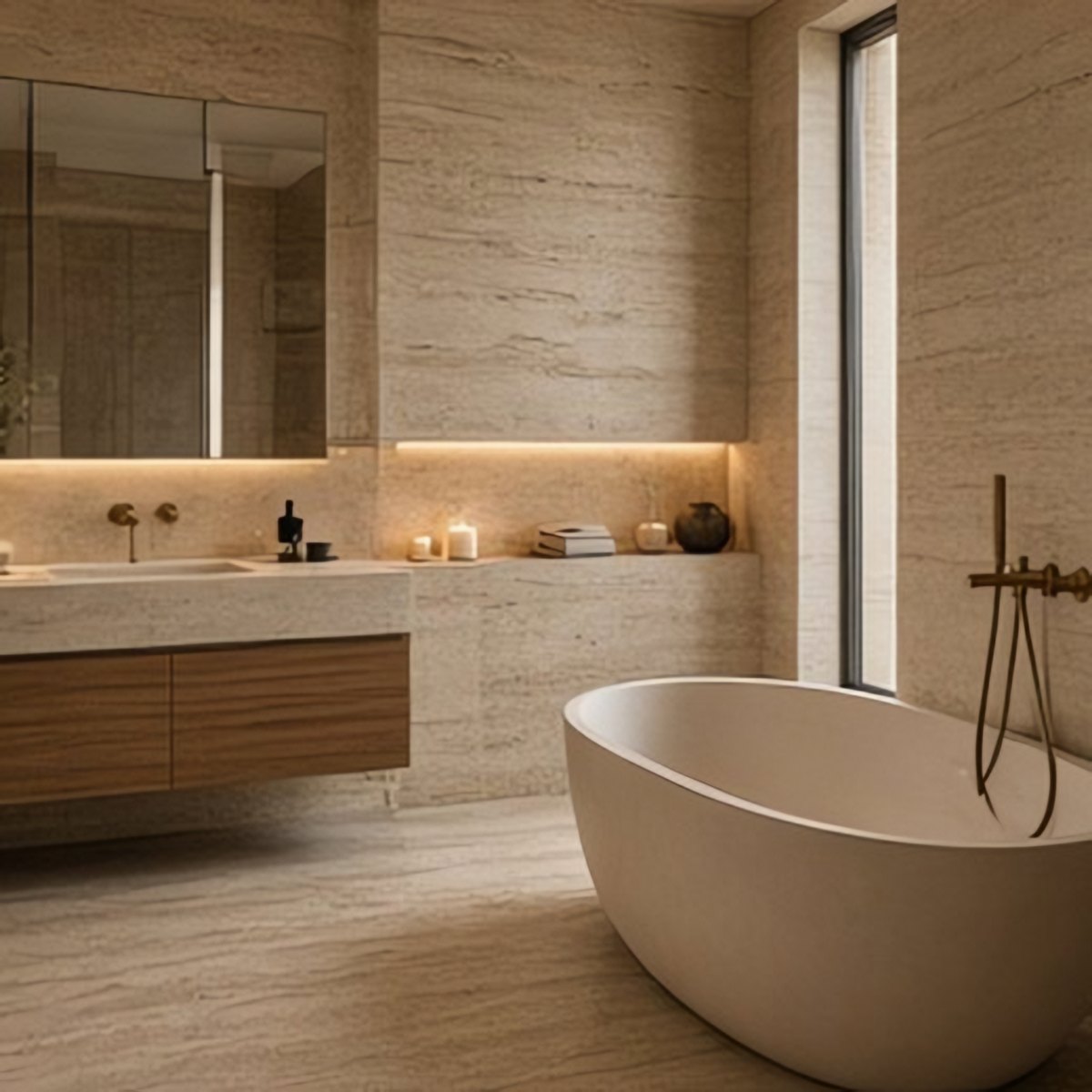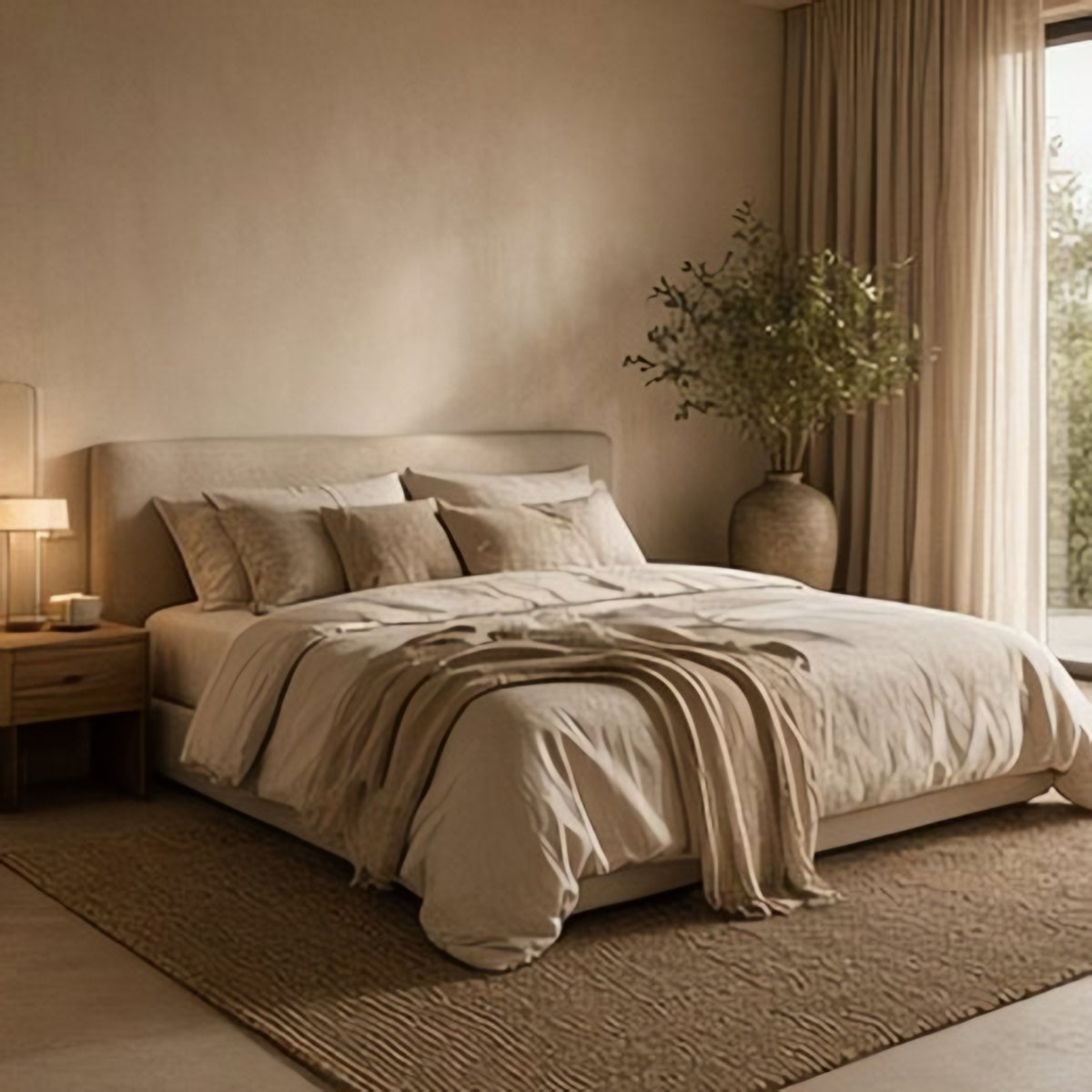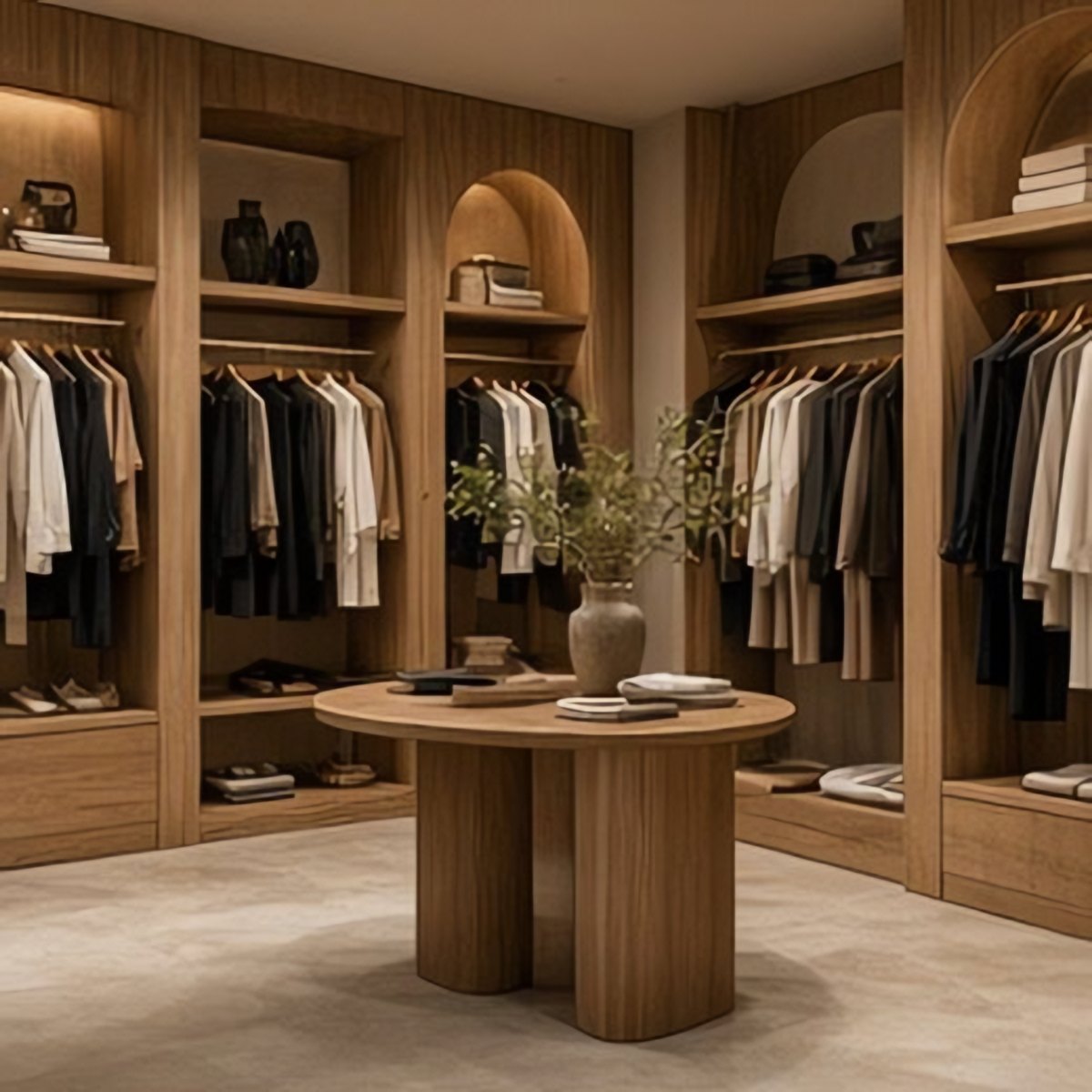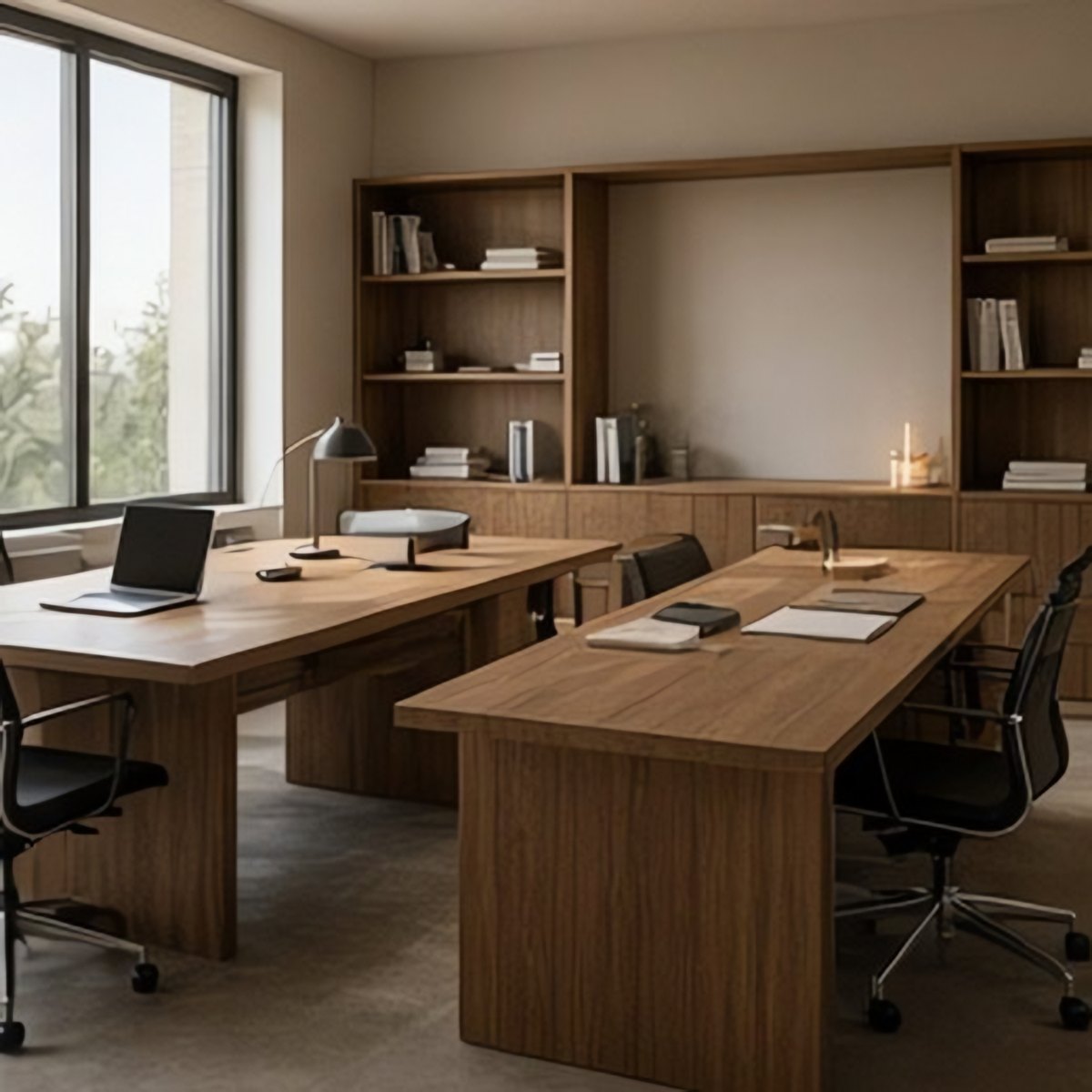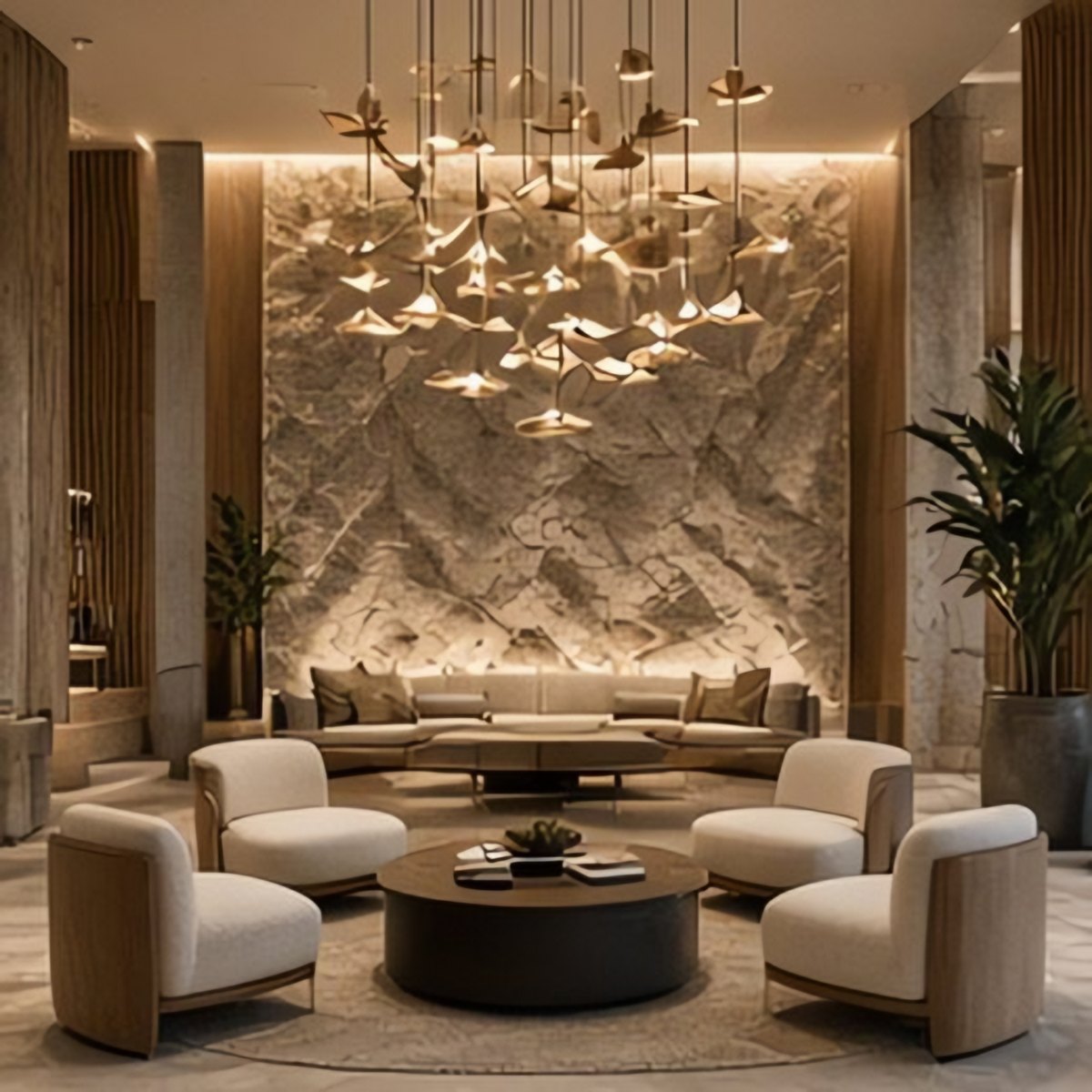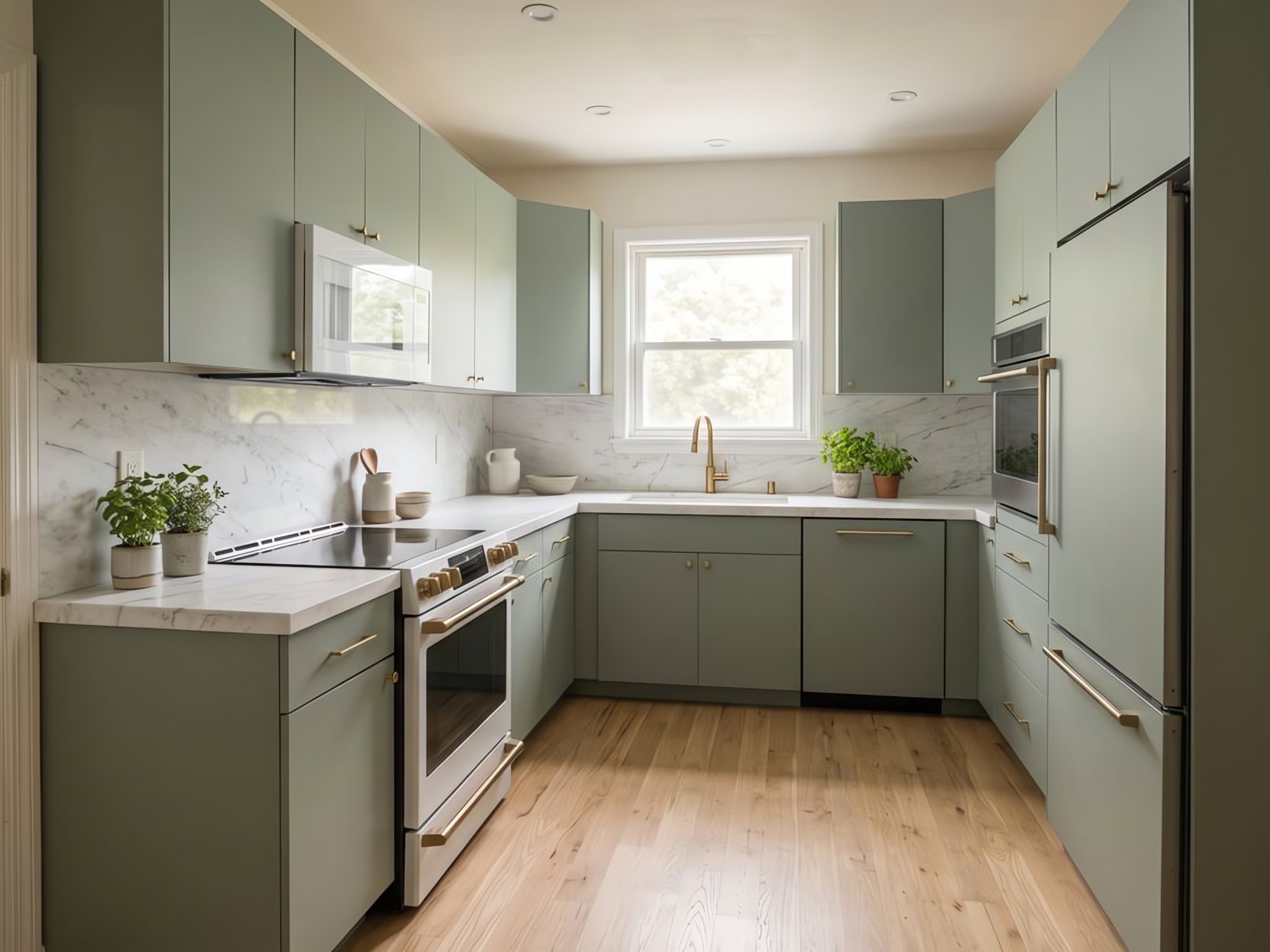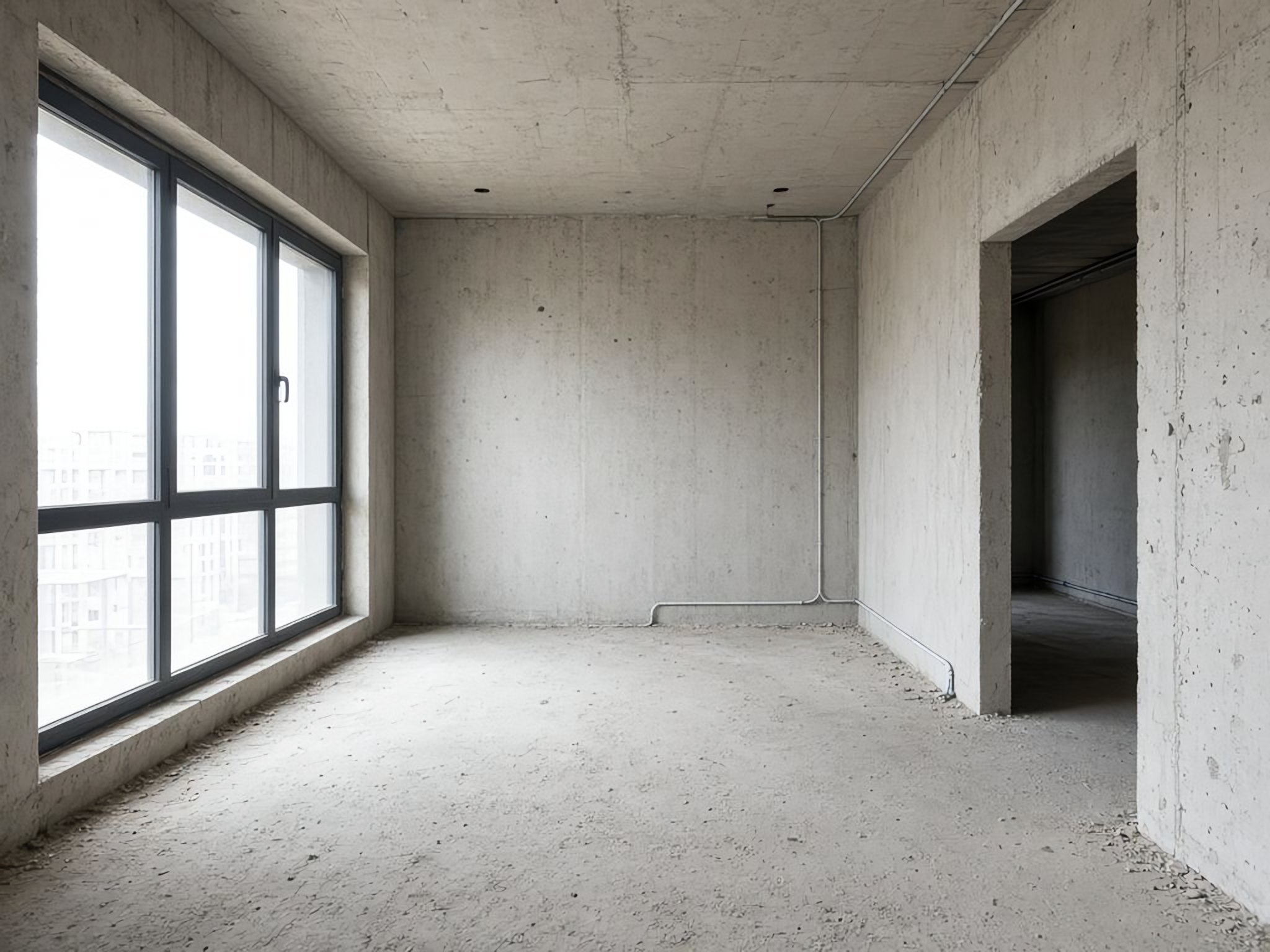
BeforeAfterRealistic renders of your real space, room by room, that keep its true dimensions. Then plan the work and costs right against them, so you can make real decisions, not guesses.
Drag to compare. Real Renoterra renders: same walls, windows, ceiling and camera.
Typical AI image tools redraw the whole room: walls move, windows vanish, rooms get bigger. That's fine for inspiration, but you can't plan a real renovation on it.

The render laid over the original photo. Guides mark the window, doorway, ceiling and floor lines.
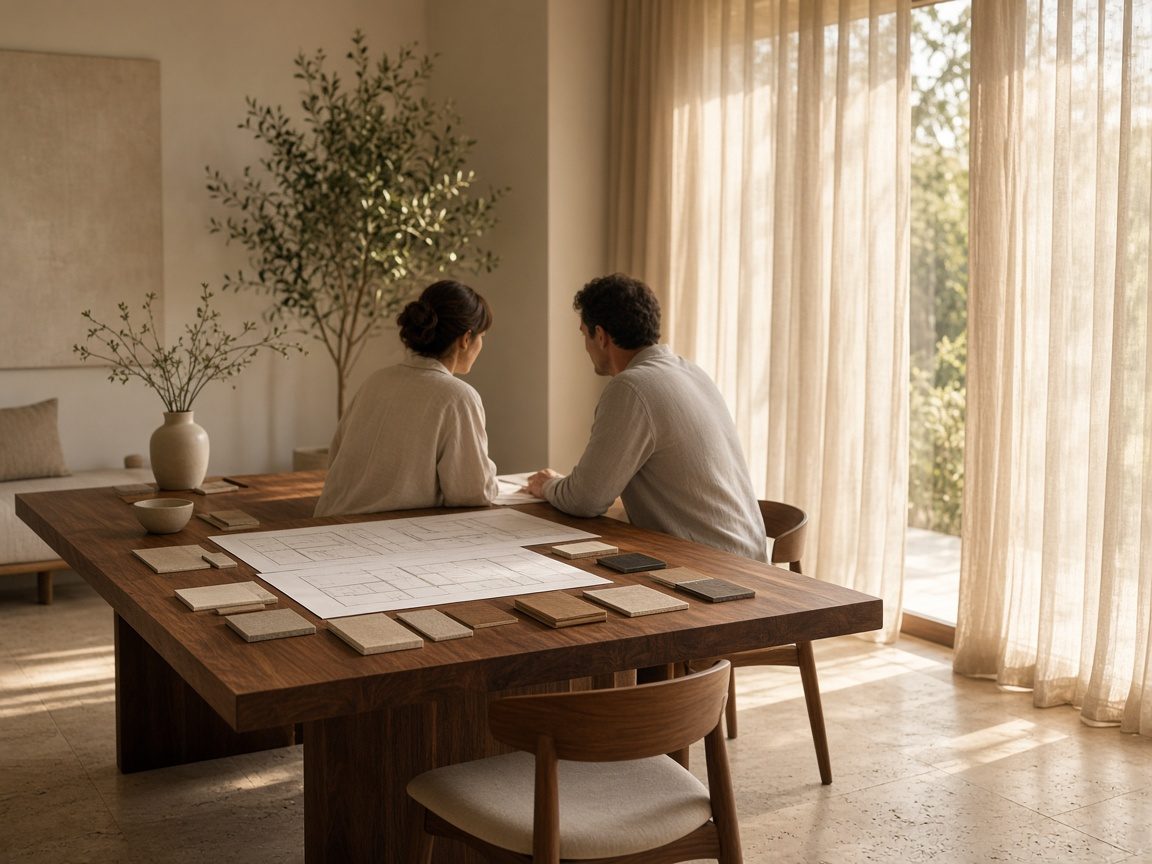
From a mood board to a costed plan, in one place.

See the finished home before you commit, know what it will cost, and share one clear plan with your contractor and family.
Start free →
Show clients renders of their own space, cost the scope against them, and send a polished presentation. Every project in one place.
Explore Pro →From a single bathroom to a full villa, a boutique or a restaurant.


Start free with 5 renders. Upgrade when you are ready.
Need more renders? Top up anytime: 50 renders for $10.
No. Renoterra locks your layout, keeps the same camera angle, and checks every render against your photo. If a wall, window or ceiling drifts, it's corrected automatically.
You enter them from your suppliers or quotes. Renoterra links them to each room and adds them up by room and category.
No. Start from a style, a photo you like or a few words.
5 renders and a watermarked PDF, so you can try Renoterra on a real room. Pick a plan when you need more.
No. It runs in your browser.

Start with one room. See your first render in minutes.
Start freeGet updates. One email, no spam.